Sign up for FlowVella
Sign up with FacebookAlready have an account? Sign in now
By registering you are agreeing to our
Terms of Service
Loading Flow

Downloading Image /
Downloading Image /
Downloading Image /
Downloading Image /
Downloading Image /
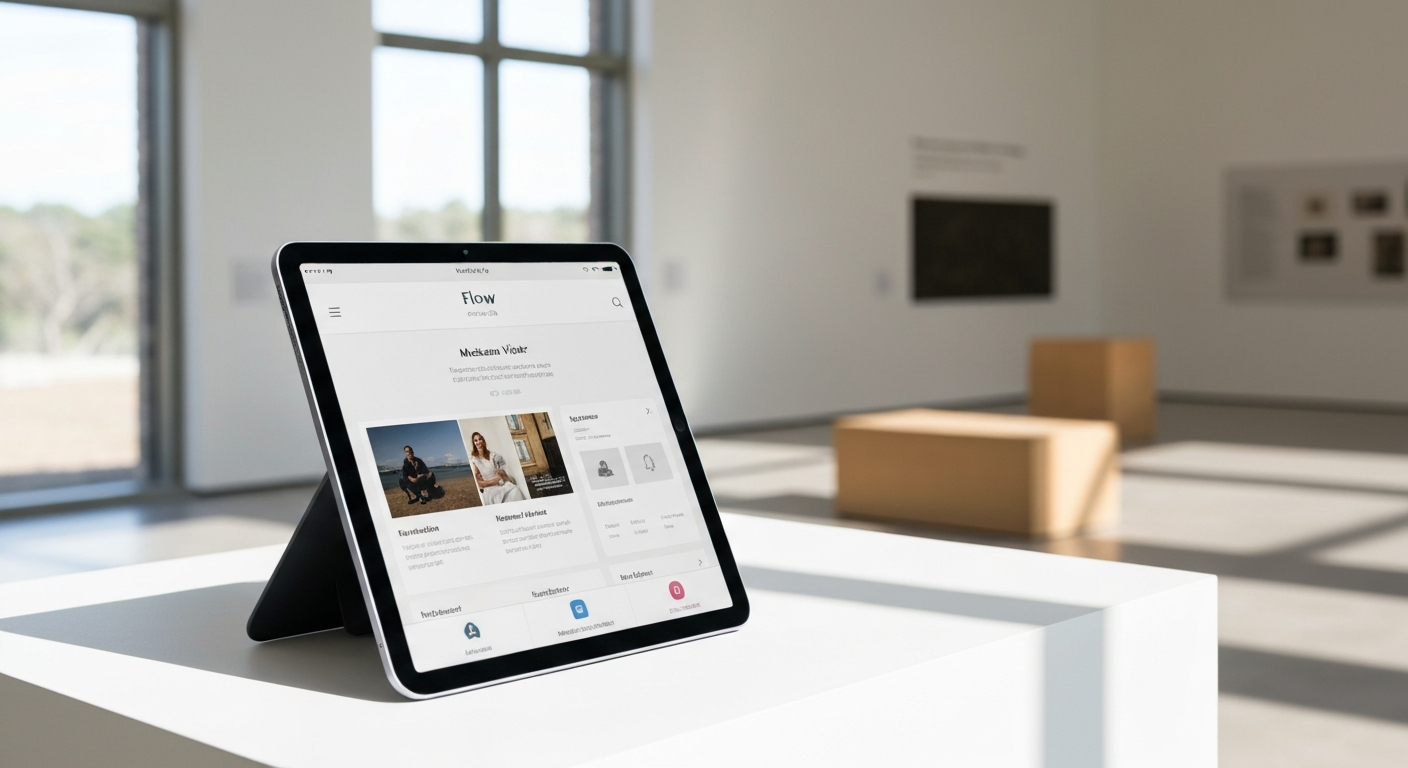
Phase 4: iPad Deployment
1. Install Flow Kiosk from App Store
2. Log into organizational account
3. Select and launch flows per exhibit
4. Flows download and work offline after initial launch
Downloading Image /
Downloading Image /
Downloading Image /
Downloading Image /
Downloading Image /


FlowVella, Previously Known As Flowboard
© 2026 FlowVella
 FlowVella